- Published at
Busy Door
- Authors

- Name
- Joaquim Rocha
Table of Contents
I have been working from home for a long time, and I recognize its advantages and drawbacks. Being a dad, I am thankful for the flexibility WFH provides me, and my kids understand very well that when I’m at my desk, I am busy with work. Still, when I have meetings is when I would like there to be a clear signal that I should not be disturbed, and the ongoing feuds between brother and sister need to be paused for a short period.
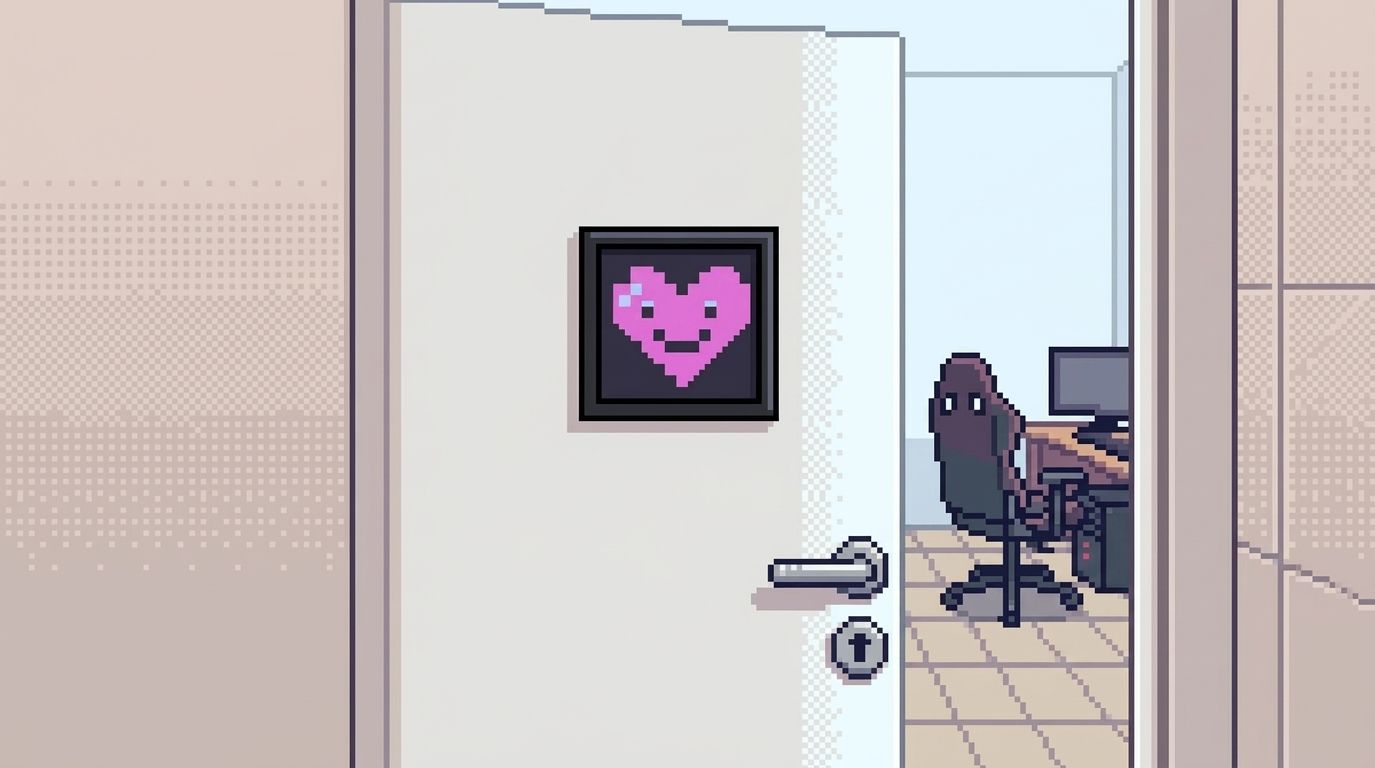
For a while, I stuck with a (verbal) announcement where I would tell whoever is home that I will have a meeting. This works fine until someone comes home during the meeting and doesn’t realize I am at one. So for a while I had this sideproject brewing in my mind to automate some way to advertizing my unavailability to the household. It would involve a small display on the door that could show different states depending on my calendar. And for that I had even bought a Divoom Pixoo! A small 16×16 pixel display that can be controlled via Bluetooth. It was collecting dust for a couple of years on my shelf until this weekend I finally made something with it (motivated by the school rentrée)!
Sign on the door
The idea is simple: connect a service to my Calendar and have it check it to display different states in the Pixoo:
- While in a meeting: A busy icon with the time left in the meeting;
- When a meeting is coming up soon: A warning icon with the start time;
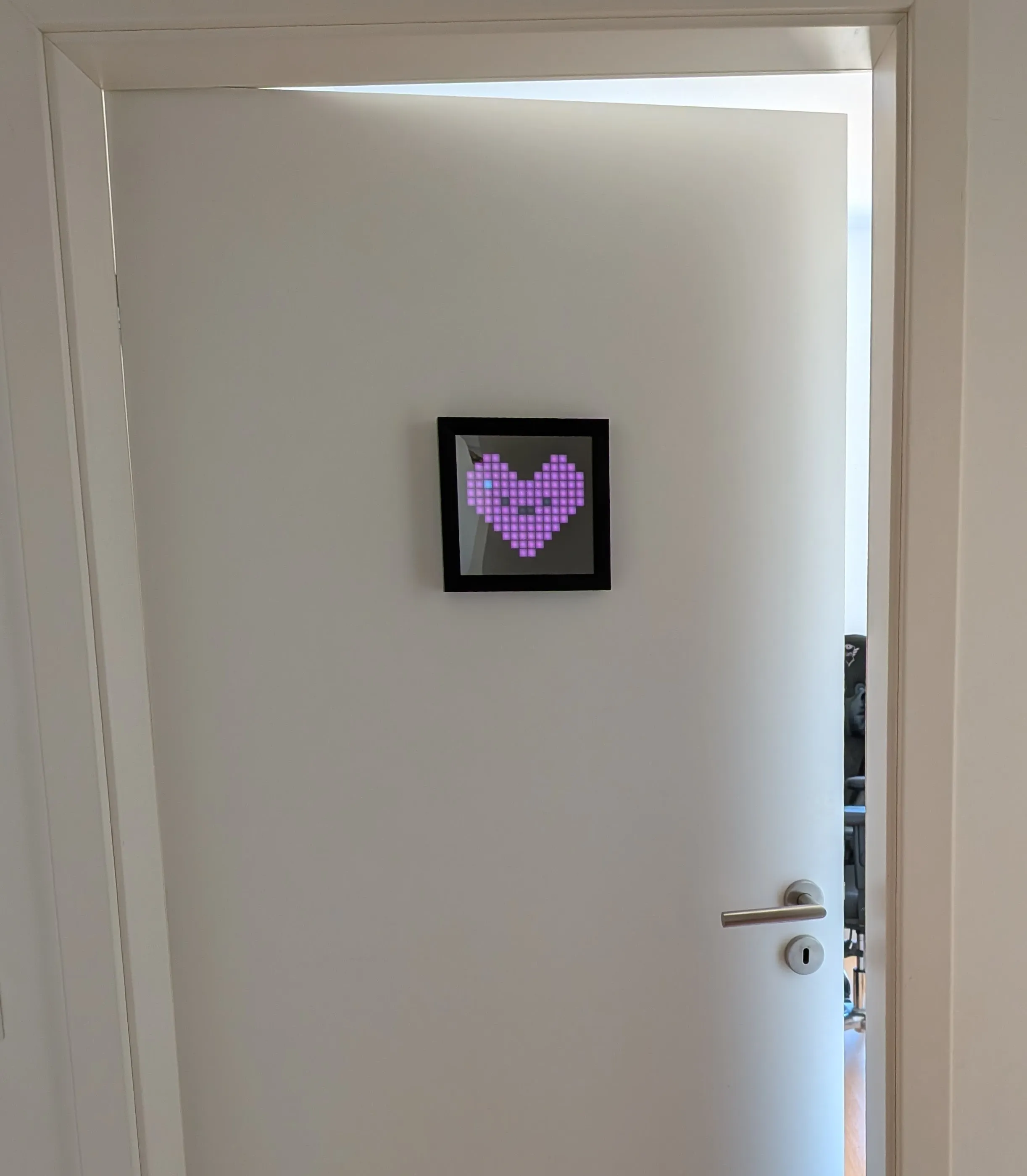
- When I’m free: A random image;
- At night: Dimmed so it doesn’t light up the whole door like ET just landed.
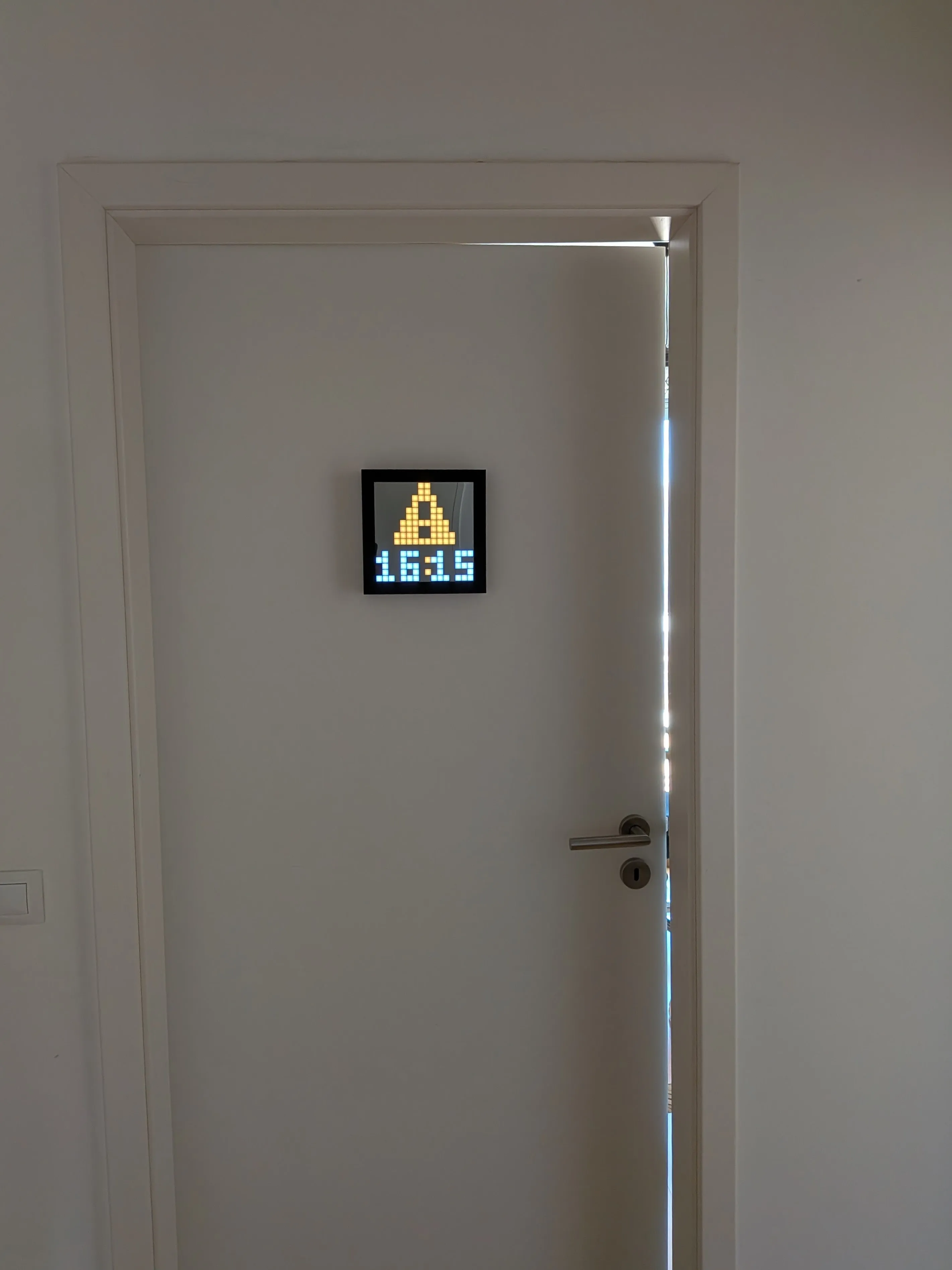
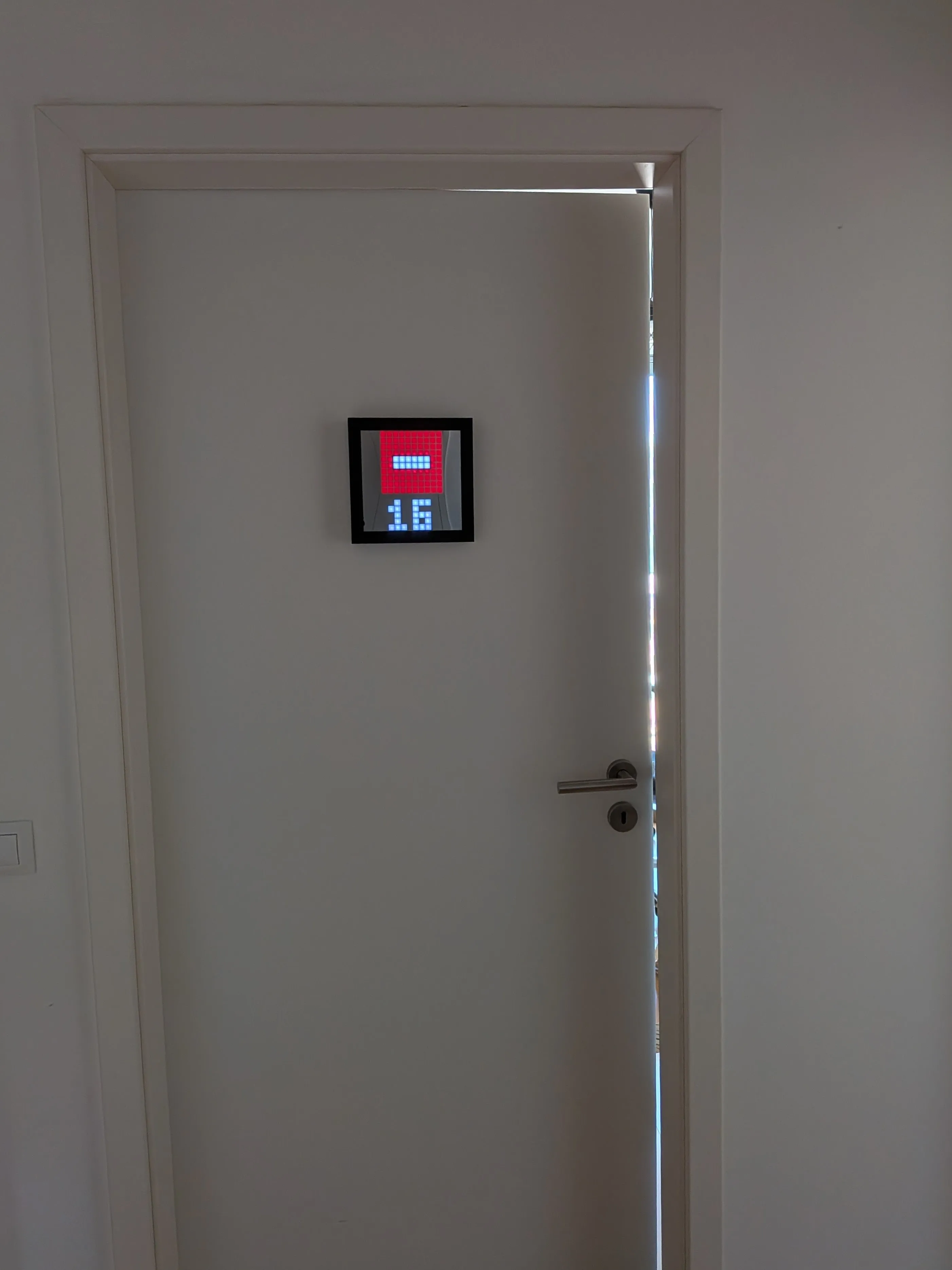
I mounted the Pixoo on the door of my home office using double-sided adhesive tape with velcro strips, making it easy to remove or reposition if needed (for example, when charging the device).
Building It
It’s a very straightforward setup, it works via a small Python script that checks a calendar via iCal (using a secret URL you can grab from your calendar settings), parses the events, and determines what to show.
While the name is not very imaginative, it does describe what it does: busy-pixoo. And it’s now sitting in a repo if anyone else wants to use it.
Results
Now when I have a meeting, there’s a physical sign on my home office door. My kids and wife see it, and they know when I may be available again or when it’s fine to raise decibels around the small apartment we live in.
For the idle times, having the display dimmed would save battery and be the most effective thing to do, but instead I chose to make it scroll through a list of kawaii pics, because that’s way cooler and we love the character it gives our tiny hallway.
So it’s either a silly little project or the best addition I have made to my WFH setup (or both!).
If you have a Pixoo and want to give it a try, the setup is simple. Hope you give it a try!